Physical Address
304 North Cardinal St.
Dorchester Center, MA 02124
Physical Address
304 North Cardinal St.
Dorchester Center, MA 02124

Through Diversity and Inclusion
Through Diversity and Inclusion
Introduction
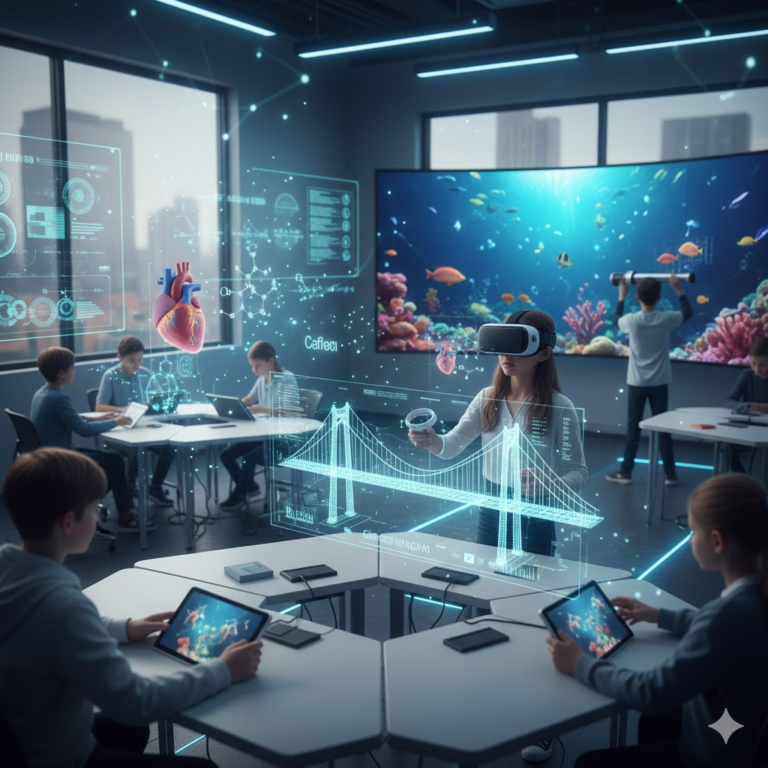
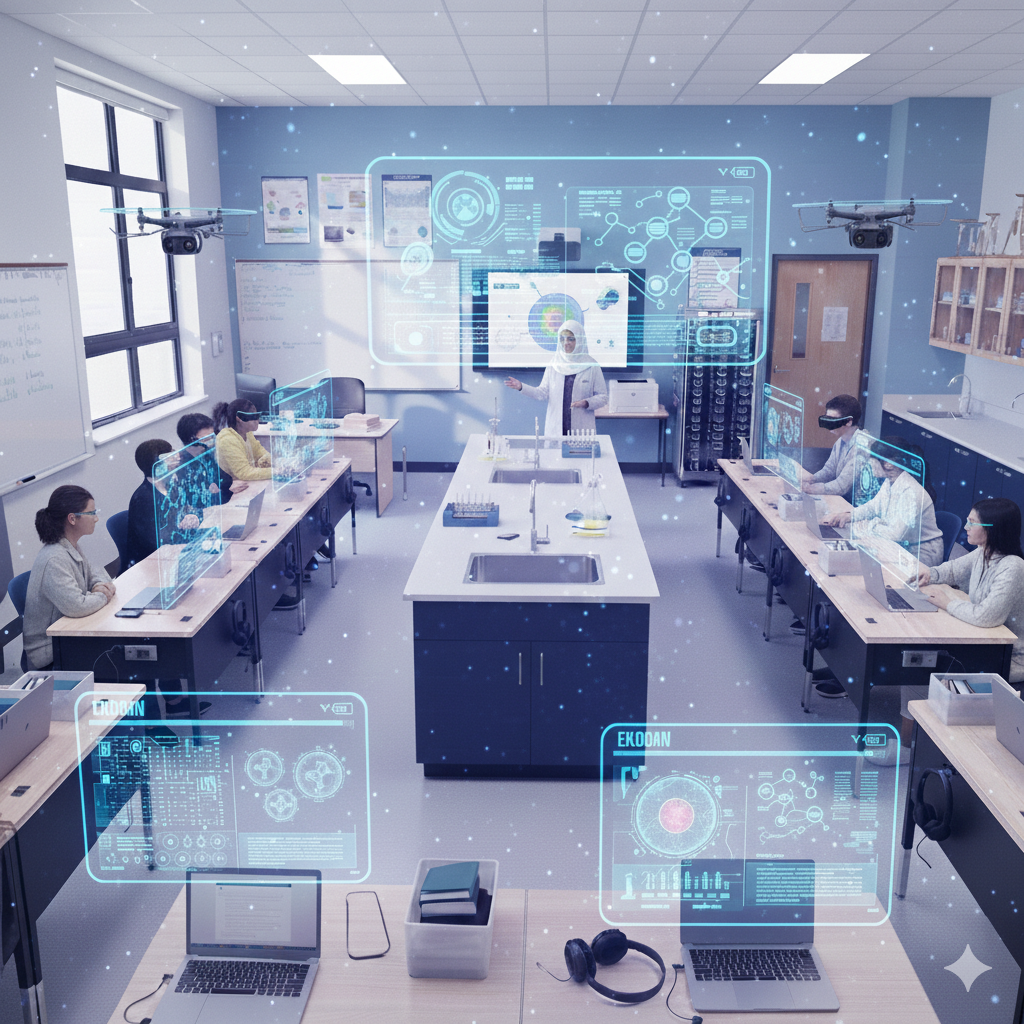
Nuanmeesri et al. (2019) highlight that modern learning tools enhance teaching quality and enrich students’ educational experiences. This computer lab aims to support NGSS-aligned science instruction for grades 4–8 by providing technology that fosters inquiry, modeling, and scientific reasoning. It will enhance learning through interactive simulations, virtual investigations, data analysis tools, and multimedia resources while also supporting cross-curricular learning in mathematics, literacy, and social studies.
Assessment and Evaluation:
Student learning will be assessed through formative and summative evaluations aligned with NGSS standards, including digital lab reports and project-based assessments. Program effectiveness will be gauged by student performance data, technology metrics, teacher feedback, and student surveys. This proposal details the need for a computer lab, including required equipment, software, implementation plan, estimated costs, maintenance, and anticipated benefits for students and the school.
Population
Format
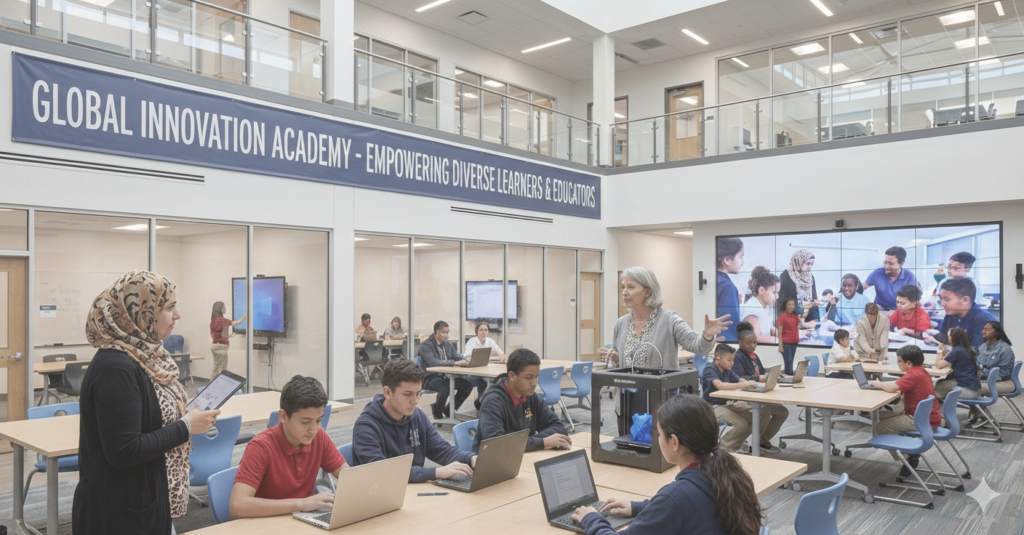
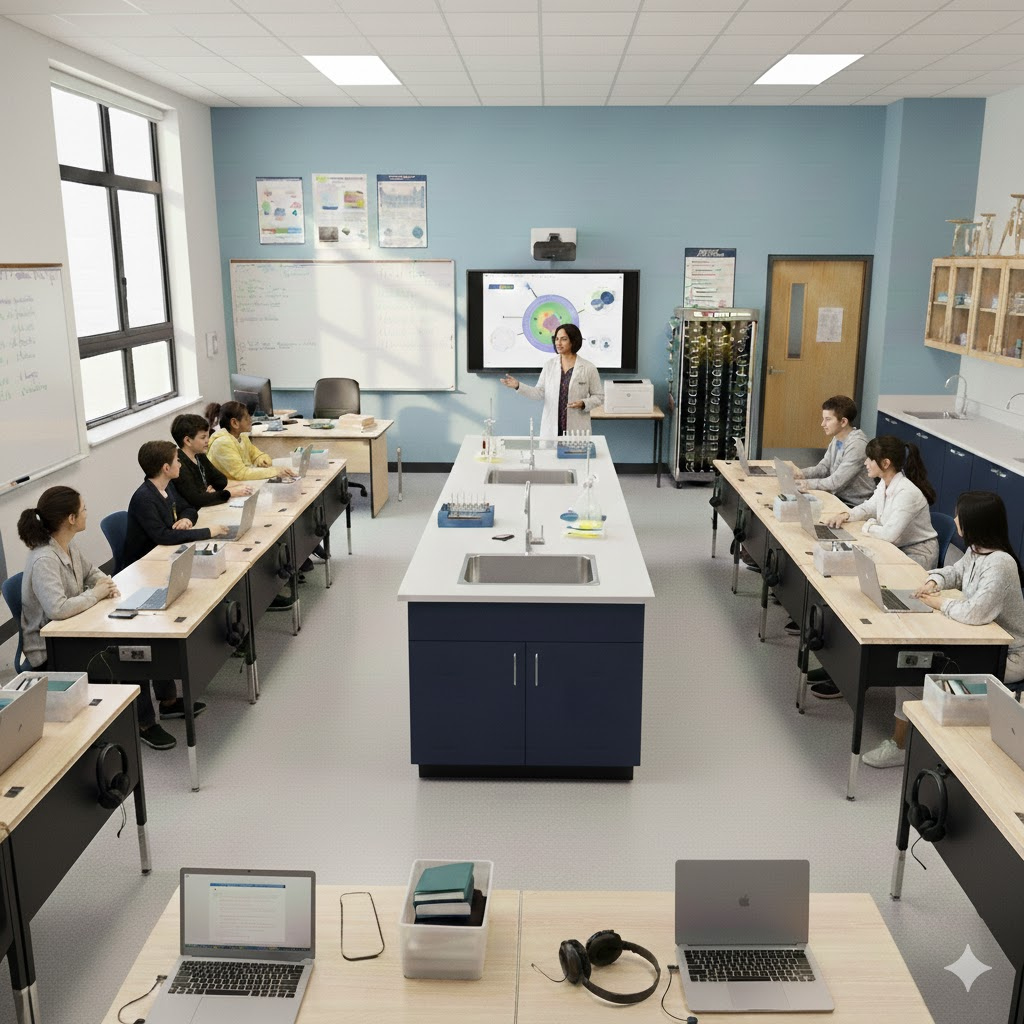
The lab is designed as a versatile space that functions both as a traditional computer lab and a mobile setup, accommodating approximately 30 learners. This flexibility enables whole-class instruction, small-group collaboration, and individualized learning across various environments. Inspired by Casanova et al. (2023), the design supports dynamic, adaptable learning by accommodating diverse group sizes and teaching styles through flexible layouts, furniture, and technology.
Design
The lab functions as both a traditional and mobile classroom, adapting to space and scheduling constraints. It leverages the Internet of Things (IoT) to enhance access, personalization, and engagement, enabling learners and teachers to connect to resources and data anytime, anywhere (Hassan Al-Taai et al., 2023).
Layout & Room Arrangement
The classroom features a U-shaped arrangement of desks for two students each, promoting easy movement and collaboration. Each desk includes charging ports, headphones, storage bins, and laptops. A smart board and printer are at the front, with a portable Chromebook charging cart nearby. The teacher’s station in the left corner has a file cabinet and a whiteboard. The central area contains three science lab sinks and storage cabinets, while additional storage and a science lab table are at the back. A window on the left wall provides natural light, enhancing the classroom’s layout.
| This configuration supports: | Furniture | What It Looks Like |
| Whole-group instructionSmall-group project workIndependent learningHybrid or rotation models | Modular trapezoid or rectangular tables (movable)Lightweight, stackable chairsMobile Chromebook charging cartTeacher’s desk or podiumStorage cabinets for devices and supplies | Bright, welcoming colorsNatural light where possibleWritable wall surfaces or whiteboardsClear signage and labelsTechnology integrated without clutterFlexible furniture that can be rearranged quicklyDevice access efficientThe teacher is positioned near the instructionStudent movement controlledFront open and uncluttered |
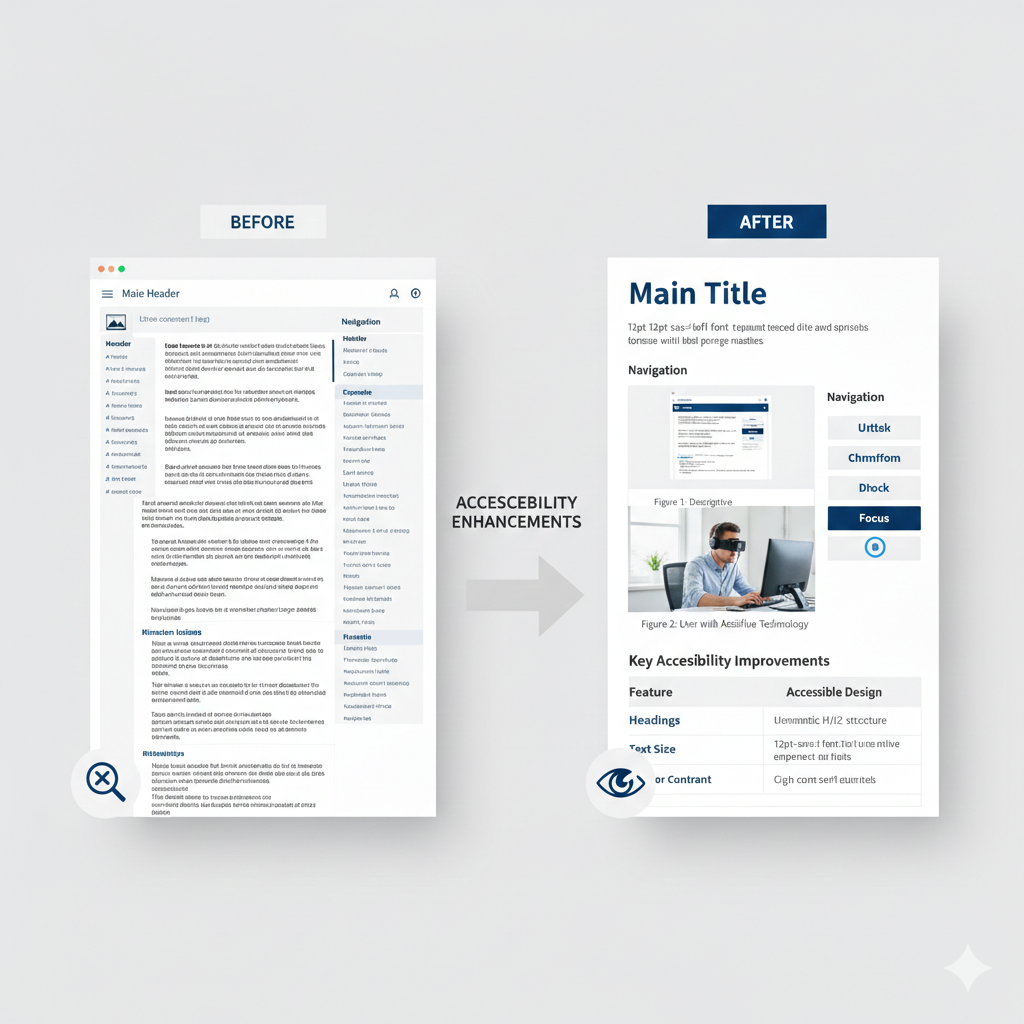
The computer lab primarily serves upper-elementary and middle-school students in grades 4-8, focusing on science instruction aligned with the Next Generation Science Standards (NGSS). It is designed to be flexible for interdisciplinary teaching in mathematics, engineering, and language arts, and can also support higher education and professional development. The space is fully accessible and inclusive, accommodating diverse learners, including those with disabilities and English language learners, while meeting a range of learning needs and styles.
| Equipment | Cost | Quantity | Total Cost |
|---|---|---|---|
| Chromebooks (student devices)Acer Chromebook Plus Spin 514:Touchscreen, 2-in-1 designCore i3, more RAM (8GB) | $550 | 30 | $16,500 |
| Teacher Laptop + Docking | $900 | 1 | $900 |
| Optional Tablet/Hybrid Devices (for mobile flexibility) | $400 | 5 | $2,000 |
| Annual insurance/care plans and other hardware maintenance costs | $30 | 30 | $900 |
| Subtotal – Primary Devices | $20,300 |
Rationale: Chromebooks are affordable, cloud-integrated, and easy to manage. Tablets/hybrids increase mobility and accessibility.
| Equipment | Cost | Quantity | Total Cost |
|---|---|---|---|
| Interactive Smartboard/Display | $2,500 | 1 | $2,500 |
| Document Camera | $250 | 1 | $250 |
| Wireless Keyboard & Mouse Sets | $40 | 10 | $400 |
| Assistive Devices (adaptive keyboards, switches, styluses) | $800 | Varied | $800 |
| Headsets w/ Microphones | $30 | 30 | $900 |
| Printer/Scanner (networked) | $400 | 1 | $400 |
| Portable Charging Cart | $800 | 1 | $800 |
| Wi-Fi Access Point / Network Switch | $600 | 1 set | $600 |
| Subtotal – Hardware/Peripherals | 6,650 |
Rationale: These basics enable collaborative work, accessibility, and printing without high cost.
| Equipment | Cost | Quantity | Total Cost |
|---|---|---|---|
| IoT Sensor Kits (Micro: bit/Arduino) | $50 | 10 | $500 |
| Virtual Reality / AR Kits | $300 | 5 | $1,500 |
| Network Attached Storage (NAS) | $800 | 1 | $800 |
| Subtotal – Optional/Advanced Devices | $2,800 |
Rationale: IoT and AR can enrich science, data analysis, and real-world learning. These are optional but recommended for extended curricula.
| Software / Service | License Model | Total Cost |
|---|---|---|
| Google Workspace for Education | Site License (free or district-paid) | $0 – $5/student |
| Learning Management System (Canvas or similar) | Annual license | $1,500 |
| Device Management (Chrome Management/MDM) | Annual | $600 |
| Discovery Education | Subscription | $3,000 |
| IXL (grades 4–8) | Site License | $2,000 |
| TestNav (state testing platform access) | District | Varies |
| Interactive Tools (Kahoot/Quizizz/Nearpod) | Premium access | $1,000 |
| Science Simulations (PhET/Gizmos) | Optional | $500 |
| IoT Data Tools & Dashboards | Annual | $500 |
| Accessibility Tools (speech-to-text, screen readers) | District-wide | $500 |
| Device management software | Annual ($9/device) | &270 |
| Estimated Annual Software Cost | $10,370 |
Note:
Recommended but optional:
| Hardware | Software |
| ✔Student Chromebooks ✔ Teacher workstation ✔ Smartboard & projector ✔ Charging cart ✔ Document camera ✔ Headsets & keyboards/mice ✔ Assistive technology ✔ Printer/scanner ✔ Wi-Fi and networking gear ✔ Optional IoT & AR devices | ✔ Google Workspace ✔ LMS (Canvas/Google Classroom) ✔ Device management tools ✔ Discovery Education ✔ IXL ✔ TestNav access ✔ Interactive game tools (Kahoot, Nearpod, Quizizz) ✔ Simulations (PhET, Gizmos) ✔ IoT dashboards and accessibility software |
Budget
| Items | Cost | Quantity | Total Cost |
|---|---|---|---|
| Subtotal – Primary Devices | $20,300 | ||
| Subtotal – Hardware/Peripherals | $6,650 | ||
| Subtotal – Optional/Advanced Devices | $2,800 | ||
| Estimated Annual Software Cost | $10,370 | ||
| Adjustable-Height Computer Desk w/ Electric (24″ W x 60″ L) | $550 | 15 | $8,250 |
| Adjustable Hard Plastic Stackable School Chair 12.5-15.5″H | $120 | 30 | $ 3,600 |
| Total anticipated cost | 51,970 | ||
| Unanticipated extra costs or other annual expenses | $8,000-$9,000 | ||
| Total computer Lab cost | ≅ $60,000 |
Note:
All costs include estimated tax amounts
The teacher’s desk and chair aren’t included in the cost, as they are provided by each school in every class.
Some costs are annual, so the amount of $51,970 is less than the provided budget limit of $60,000. The remaining funds will cover unanticipated extra costs or other annual expenses.
(Plus or minus depending on optional items chosen and available discounts.)
The integration of cloud services and accessible technology in education enhances learning in various ways. Schools can use cost-effective solutions, such as affordable licenses and Chromebooks, to create adaptable spaces for diverse instructional methods. Assistive tools promote participation among diverse learners, while flexible setups accommodate various configurations. The Internet of Things (IoT) fosters smart classroom environments, enabling anytime/anywhere learning. Platforms like Clever, Discovery Education, TestNav, and IXL allow teachers to manage content and track progress, while interactive tools like Kahoot and Nearpod boost engagement and collaboration, enriching the learning experience.
In conclusion, developing an innovative computer lab is essential for modern education. Creating a technology-enhanced learning environment significantly impacts student engagement and success in today’s world. Our experienced team of educators, tech experts, and design specialists is ready to realize this vision. We aim to foster an interactive and inclusive space that prepares students for future challenges. By supporting this initiative, you endorse a transformative learning approach that emphasizes accessibility, collaboration, and problem-solving. Together, we can ensure students become active participants in a connected, data-driven world.
Casanova, D., Huet, I., & Garcia, F. (2023). The experience of co-designing a learning space with teachers and students. Education Sciences, 13(2), 1–18.
Nuanmeesri, S., Kadmateekarun, P., & Poomhiran, L. (2019). Augmented reality to teach human heart anatomy and blood flow. The Turkish Online Journal of Educational Technology, 18(1), 15–24.
Suaad Hadi Hassan Al-Taai, Huda Abbas Kanber, & Waleed Abood Mohammed al-Dulaimi. (2023). The importance of using the Internet of Things in education. International Journal of Emerging Technologies in Learning (iJET), 18(01), 19-39. https://doi.org/10.3991/ijet.v18i01.35999